
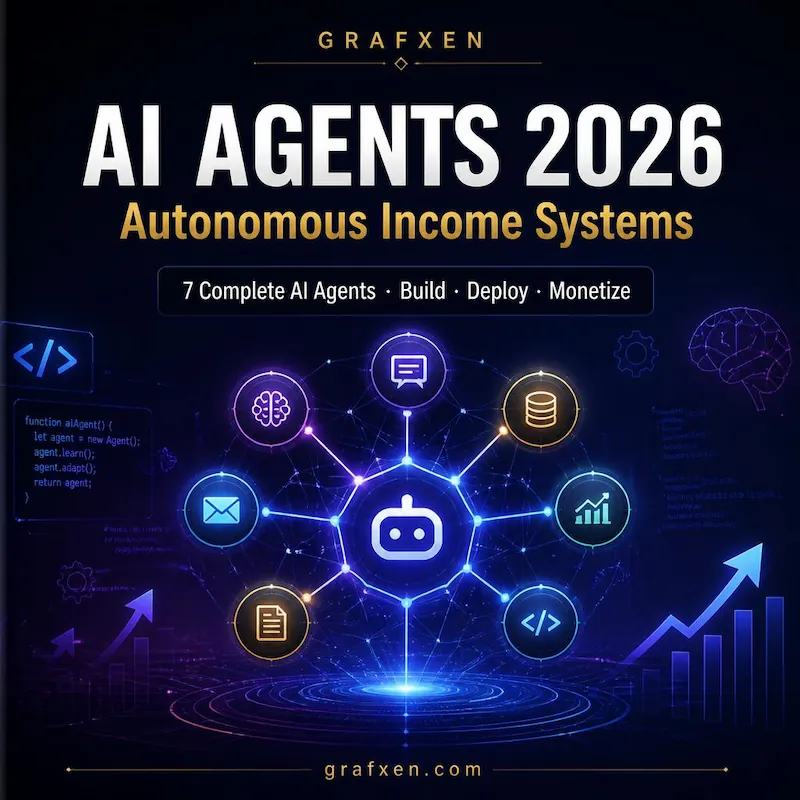
Businesses that deploy AI agents are reclaiming 20–40 hours per week and scaling output without hiring. In 2026, AI agent workflows are no longer experimental — they're operational infrastructure for digital businesses.
This guide covers what AI agent workflows are, how to build them without coding, and 7 proven strategies you can deploy today.
What Is an AI Agent Workflow?
An AI agent workflow is a multi-step automated system where AI makes intelligent decisions instead of just following rigid rules. Unlike simple automation ("if this, then that"), an agent can perceive context, reason, use tools, and iterate until the goal is achieved.
- No coding required — visual, drag-and-drop builders replace traditional software development.
- Runs while you sleep — agents operate on schedules or triggers, not your availability.
- Scales without new hires — one workflow can process 10 tasks or 10,000 at the same operational cost.
- Compounds over time — once built, the system keeps producing value with near-zero added effort.
How Do You Actually Build One? (5-Step Framework)
Every no-code AI agent follows the same five-part skeleton, regardless of what it's used for: trigger, data source, AI reasoning step, decision logic, and output action.
This exact skeleton powers lead scoring systems, support ticket routing, content pipelines, and most of the "AI automation" being sold to businesses today.
7 Proven No-Code AI Agent Strategies for Online Businesses
1. Autonomous Lead Qualification & Nurturing
Automatically score, enrich and nurture leads. Turn hundreds of sign-ups into qualified opportunities without manual work. The agent evaluates behavior, engagement, and demographics to determine which leads are sales-ready and which need more nurturing.
2. Full Content Production Pipeline
From keyword research to published article — a swarm of agents working together: research agent, outline agent, writing agent, editor agent and publisher agent. Each handles one part of the process, creating a seamless content factory that produces high-quality material at scale.
3. 24/7 AI Customer Support Agent
Handles most support tickets, escalates complex cases with full context, and proactively prevents churn. The agent learns from your knowledge base and past conversations, improving over time.
4. Smart Social Media Content Engine
Repurposes long-form content into dozens of optimized posts, threads and videos automatically. One piece of content becomes 20+ assets across all major platforms — without manual effort.
5. SEO & Competitor Intelligence Agent
Monitors competitors, finds new keyword opportunities and generates ready-to-use content briefs. The agent watches market changes and alerts you before your competitors do.
6. Personalized Email Marketing Sequences
Creates and sends behavior-triggered, dynamically personalized email campaigns at scale. Each subscriber receives content tailored to their specific interests and actions.
7. Operations & Analytics Decision Agent
Pulls data from multiple platforms, generates insights and recommends actions every week. The agent becomes your personal data analyst, delivering actionable intelligence on autopilot.
Who Should Build an Agent Workflow First?
This is for you if:
Freelancers and agency owners drowning in repetitive client tasks, small business owners who can't yet justify a full-time hire, and anyone running a digital product or content business where the same decision gets made dozens of times a day. If you've ever thought "I do this exact same thing every single day", that task is an agent workflow candidate.
Where Should You Start?
Start with one workflow that has a clear, repeatable decision point — lead scoring is the easiest entry point because the trigger, data, and output are all simple to define. GRAFXEN's full blueprint walks through the entire build, end to end, with the exact prompts and configuration used in a working system.